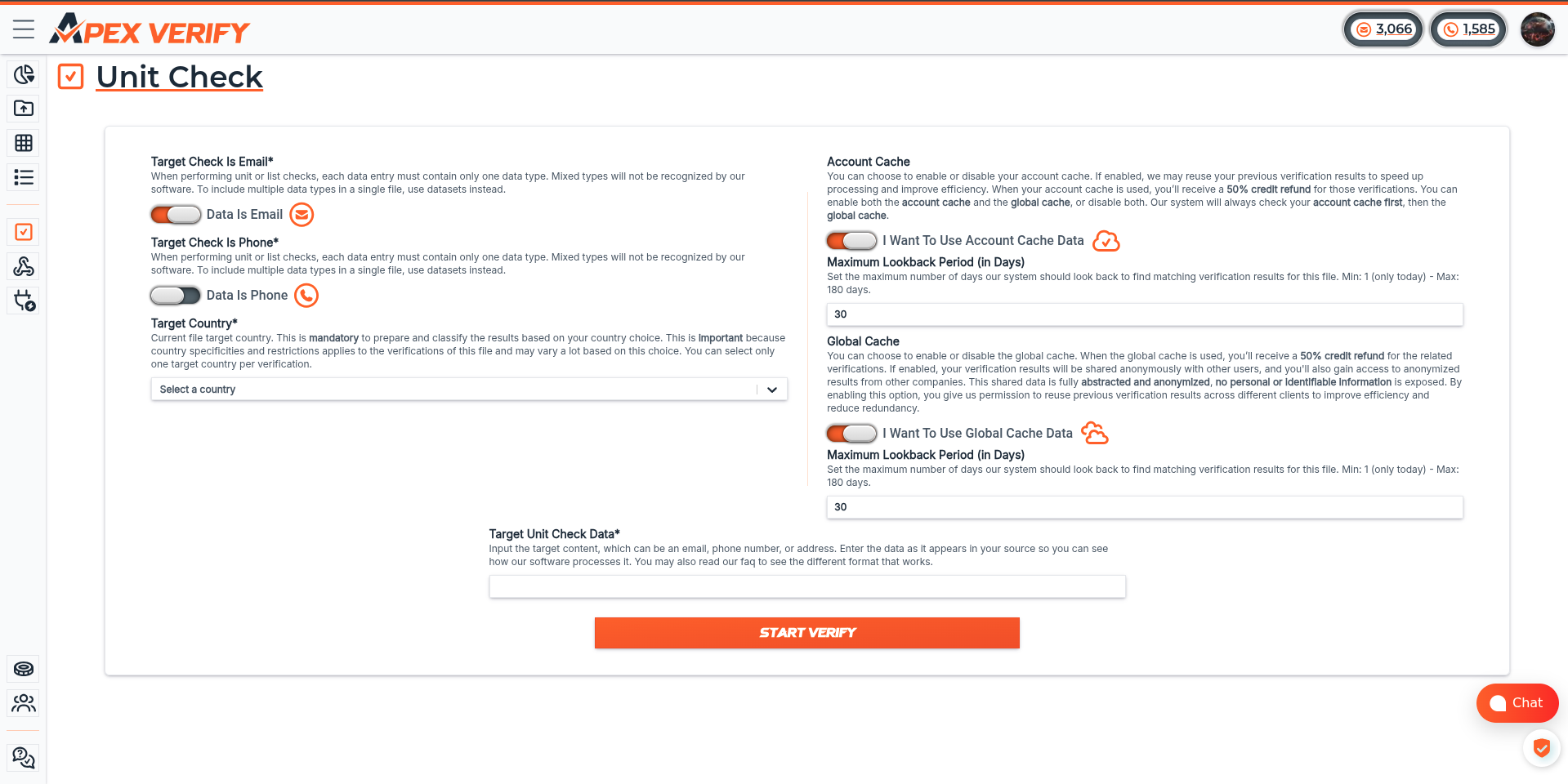
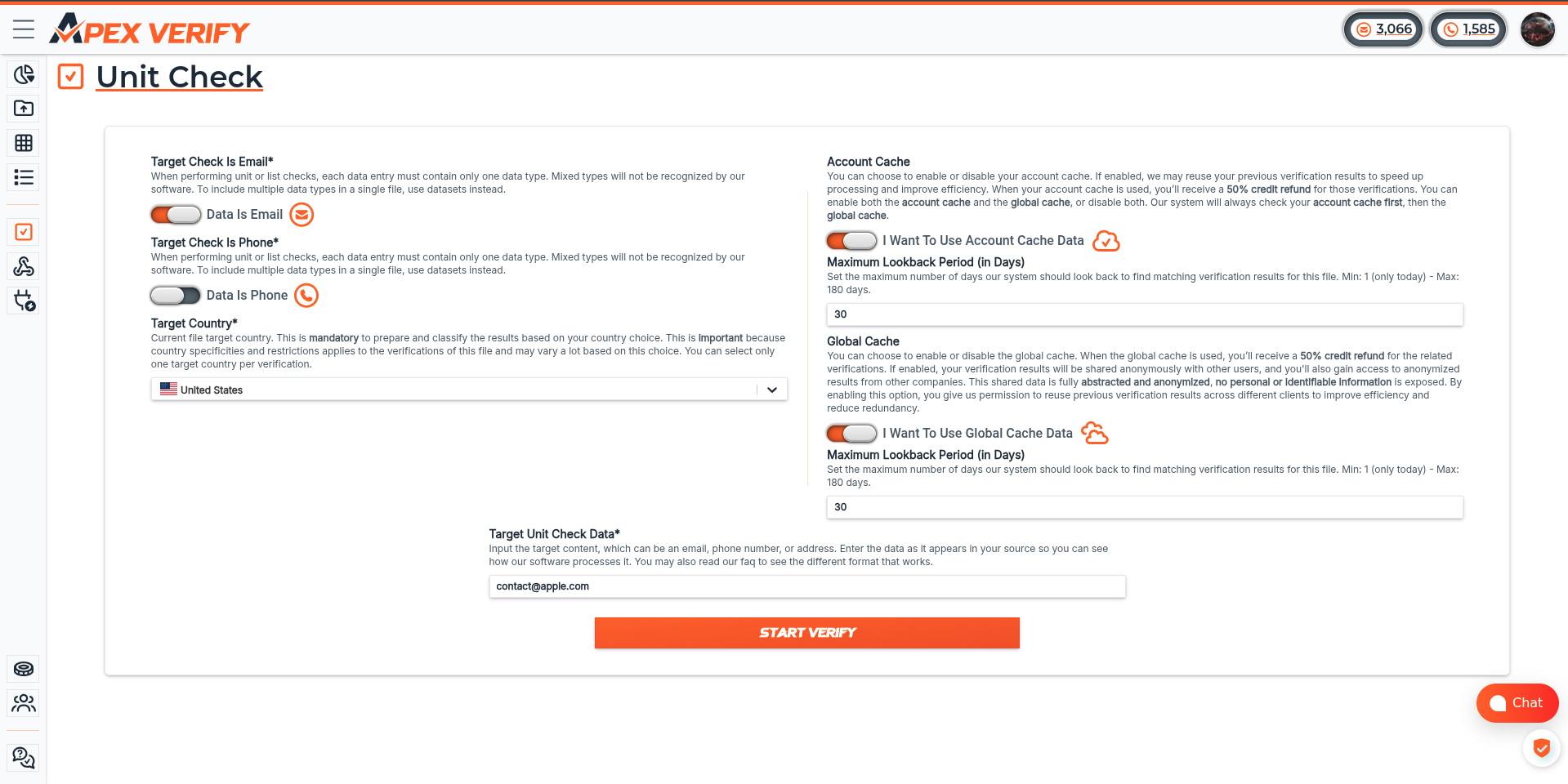
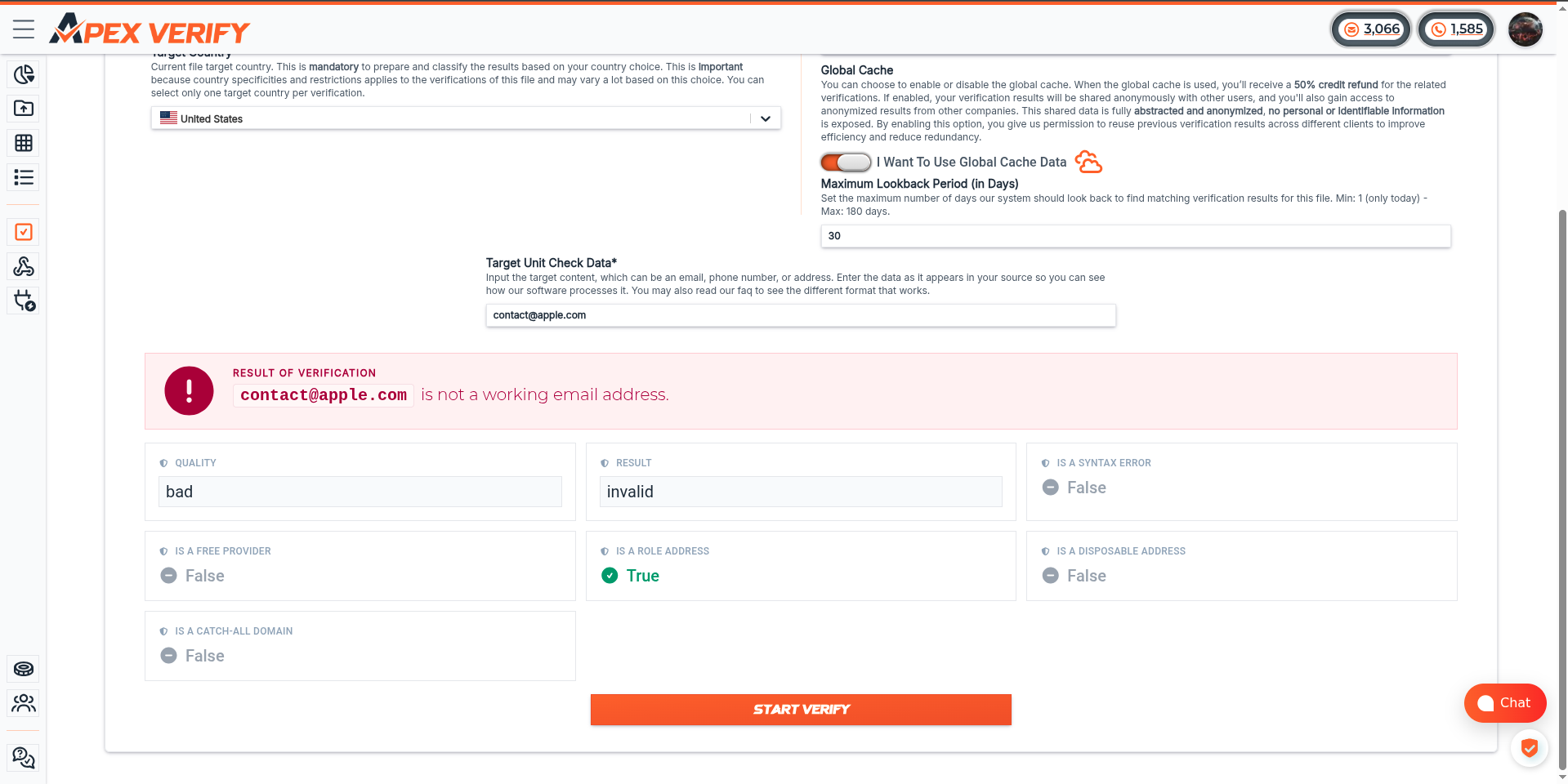
Your First Verification
This guide walks through the complete batch verification lifecycle — from uploading a file to downloading your results — in five steps.
Prerequisites: an API key and a .txt file ready to upload. For a deeper dive into every step, see the API Verification Workflow guide.
Steps
Upload your file
Create a batch by uploading your .txt file. Save the batch_uuid from the response — you’ll need it for every subsequent call.
Configure parameters
Set or confirm the verification parameters. type and target_country are required; all other fields are optional.
Trigger parsing
Tell ApexVerify to parse and prepare the batch. The server validates rows, removes duplicates (if enabled), and calculates verification cost.
Poll GET /v1/batch/{uuid} until the status reaches ready_for_verification before proceeding.
You’re done! When the export returns your results, your first batch verification is complete. Each email or phone in the response includes quality signals, validity flags, and detailed metadata.